Interact with dashboards
Last updated: April 10, 2026
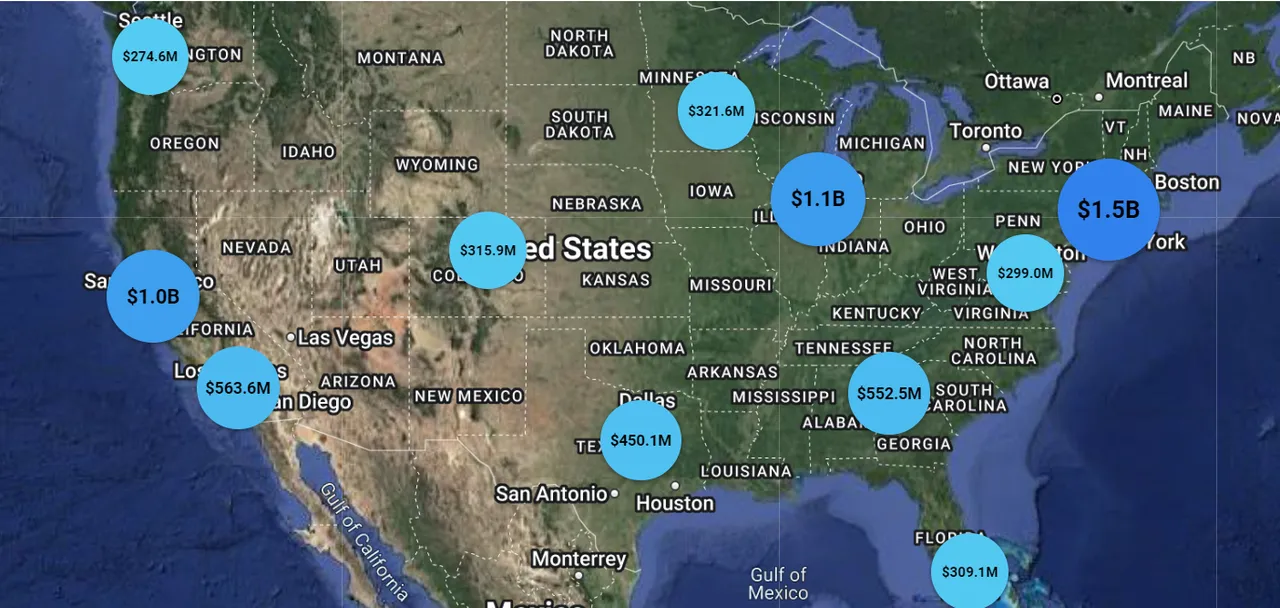
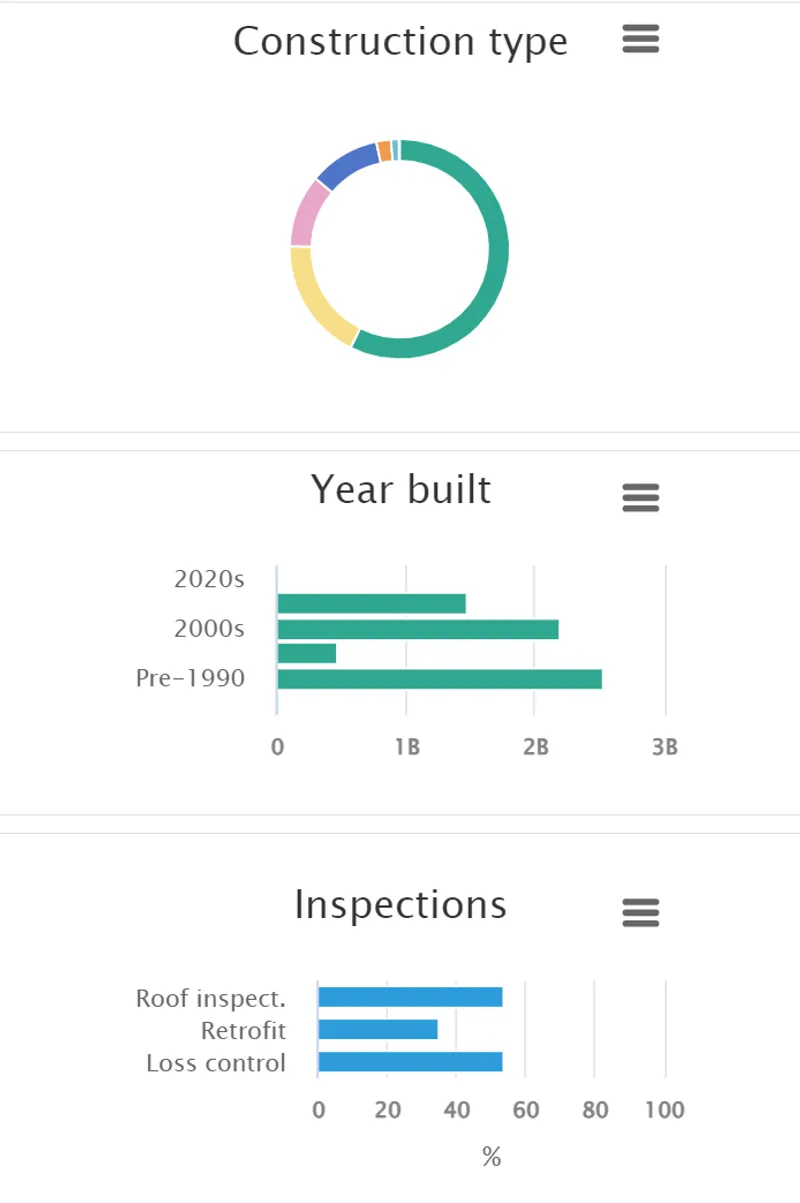
See at-a-glance insights about different attributes across a portfolio using Dashboards. Dashboards display notable and commonly sought data trends for insurance placements, such as geographic information, age of building, inspection details, occupancy, and ownership.
Change your view from the SOV Grid View to Dashboards by clicking on the Dashboard Button.

Switch to Dashboard View
2. Hover over components of each chart to understand the breakdown of TIV in each.