Access the platform
Last updated: July 9, 2026
Log in to view your data and start using Archipelago.
Log in to platform.onarchipelago.com. We recommend using Google Chrome or Mozilla Firefox.
Enter the one-time verification code that Archipelago emailed.
After you log in, you'll see the Accounts Home page. This page contains a list of accounts that you can access within your organization.
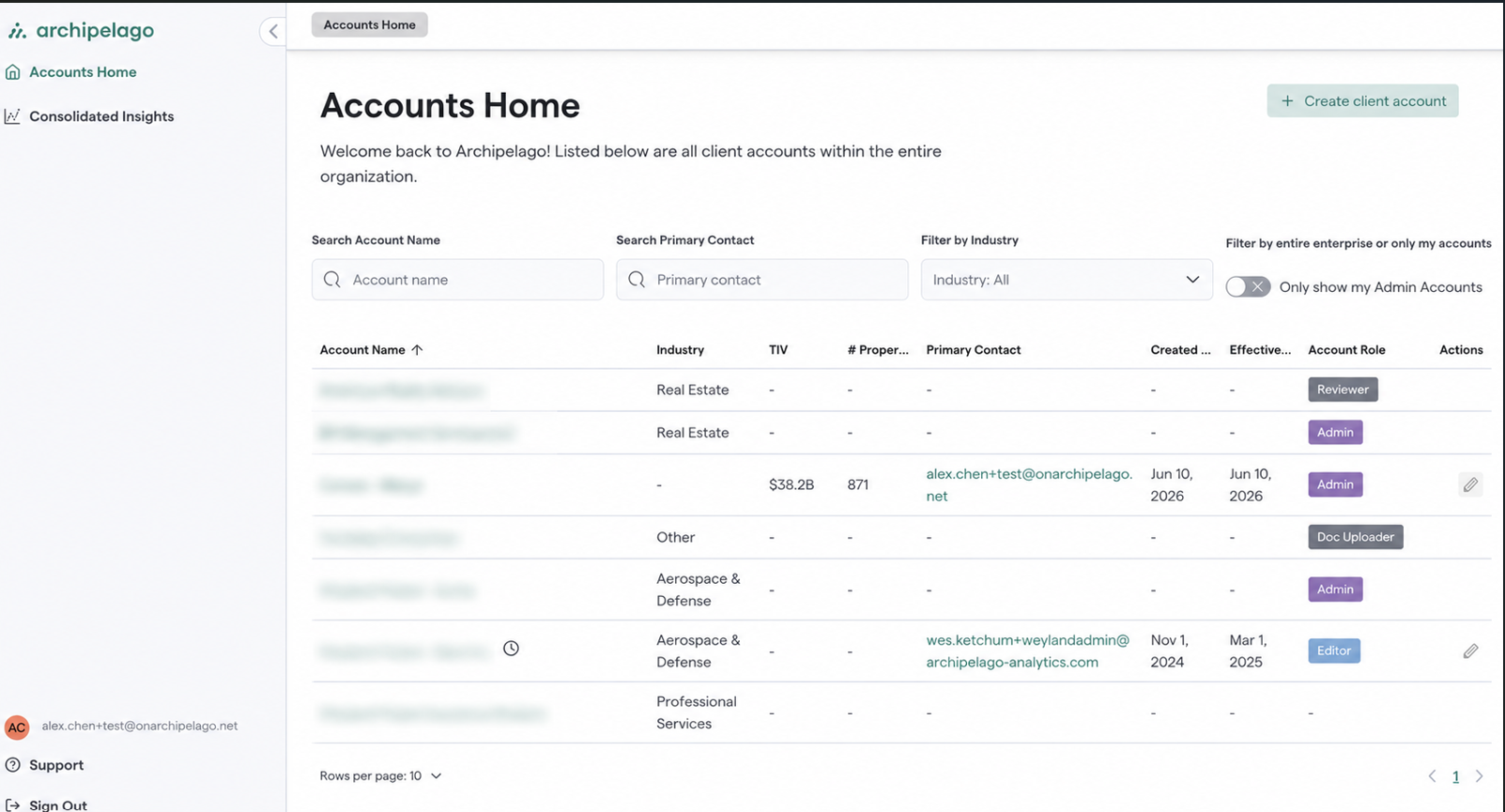
Accounts Home Page View on Archipelago