Recommendations
Last updated: July 9, 2026
Recommendations: Review your SOV and give prioritized guidance on missing data that will impact modeling.
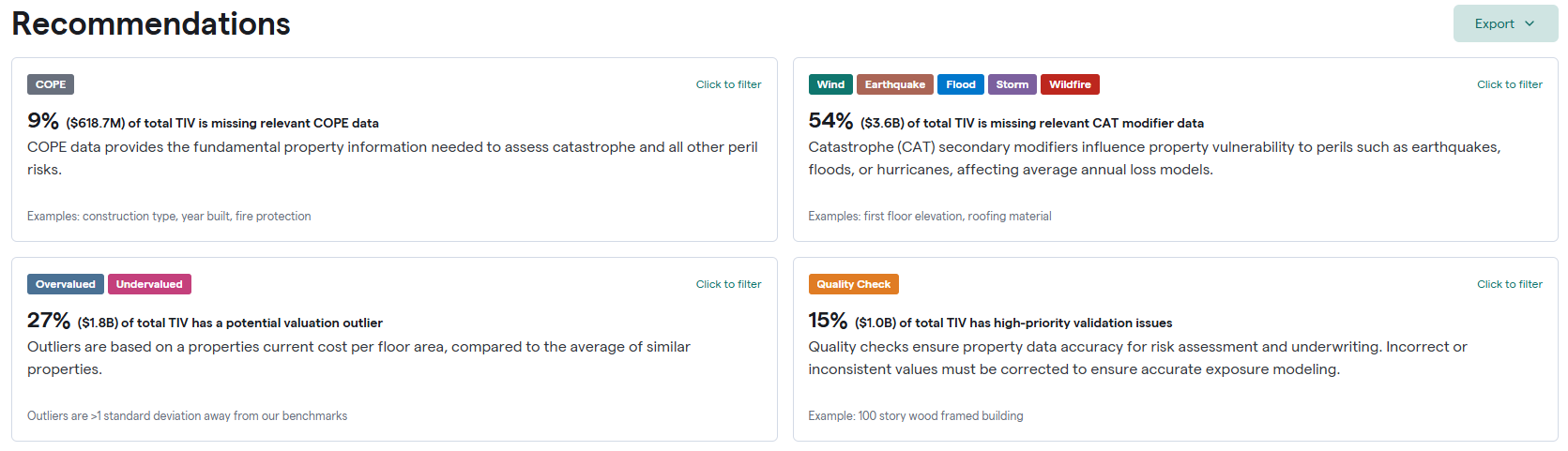
Focus areas and impact on your book of business—Recommendations provide you with insights on missing data within your SOV. See where your properties are missing COPE, secondary modifiers related to hazard exposure have valuation outliers, and contain Quality Check recommendations.
These cards also act as filters for the recommendations list.
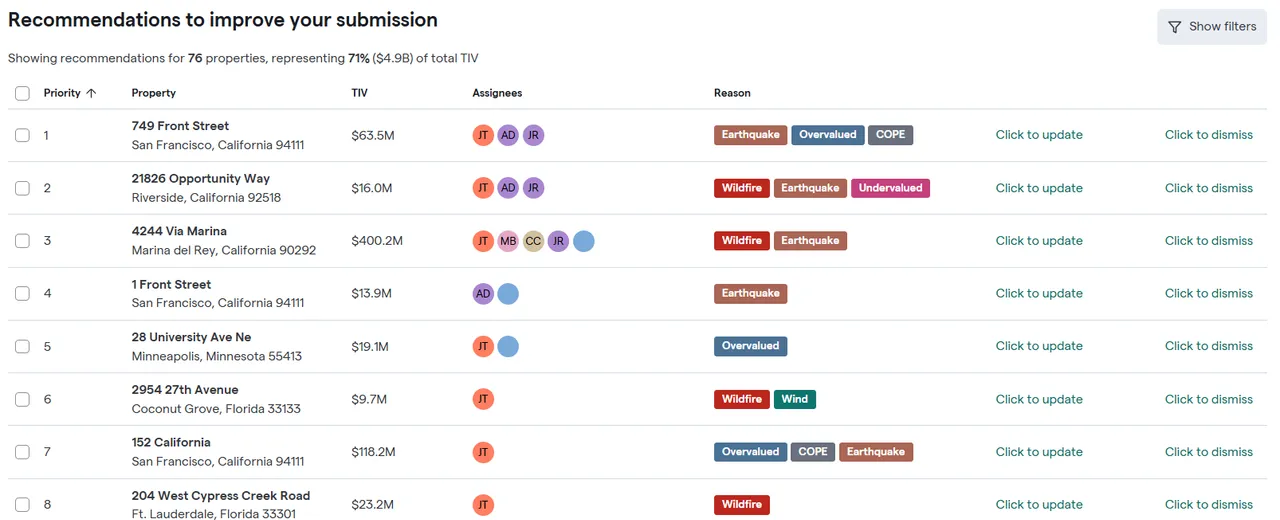
Recommendations to improve your submission - Recommendations generate a prioritized list of improvements to specific attributes for the most impactful high TIV or CAT-exposed properties, which allows for improved and accurate modeling. Each property indicates why it was recommended and where to find the recommended data. For example, a Flood Hazard Report or Loss Engineering Report.
Quality Check recommendations indicate pre-existing information tied to your property is in conflict with rules developed by our subject matter experts in building science that could negatively impact modeling. Quality Check flags issues relative to basic engineering logic or building code standards to guarantee the data provided is logically probable or in line with the latest codes & standards applicable to the building. i.e., It is unlikely for a building greater than 10 stories to be constructed of wood, or Florida code requires missile-resistant glass for the specified county to combat high wind loads.
You can directly action these tasks and assign them to yourself or to others.
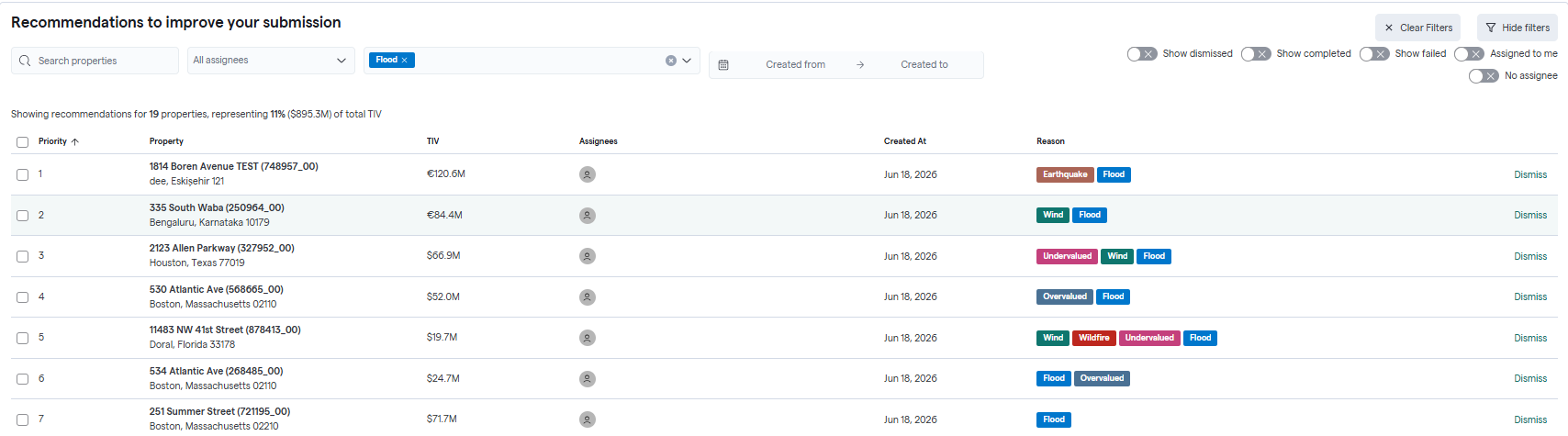
Filter recommendations:
Using Filters:
Click Show Filters at the top of the list of recommendations.
You can filter by Assignee, Document Recommendation, Time Period, and the Reason for the recommendation.
Using Property Insights:
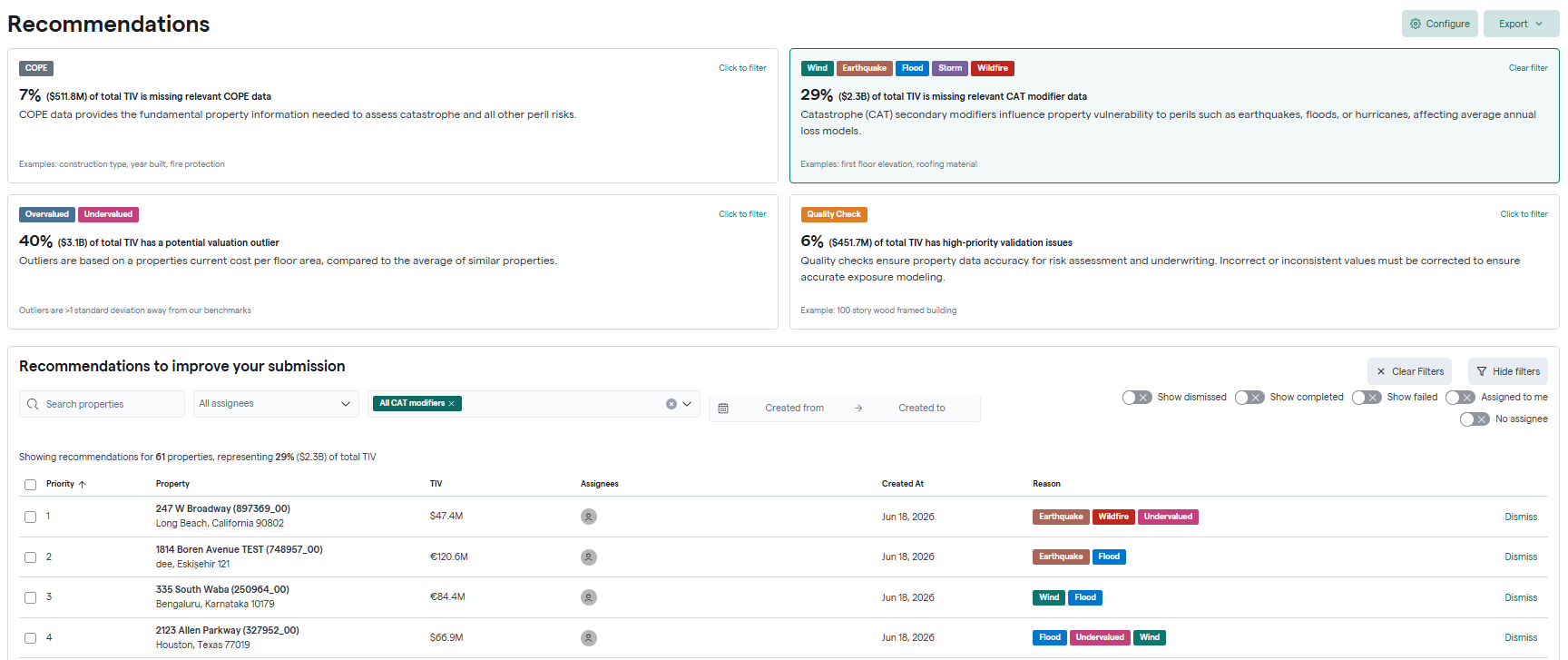
At the top of Recommendations, click on any of the insights into missing data, and a filter will automatically apply for the reason for the recommendation.
Action Recommendations
Assign to yourself:
Click on one of the recommended properties.
A property fly-out window will open.
Click Assign to Myself.
Upload the recommended document, and Archipelago will extract the relevant missing fields. For Quality Check recommendations, users are recommended to review these issues and revise as necessary to ensure their data is accurately represented. Issues may be dismissed as applicable.
Optionally, enter the missing data if known.
Click Save.
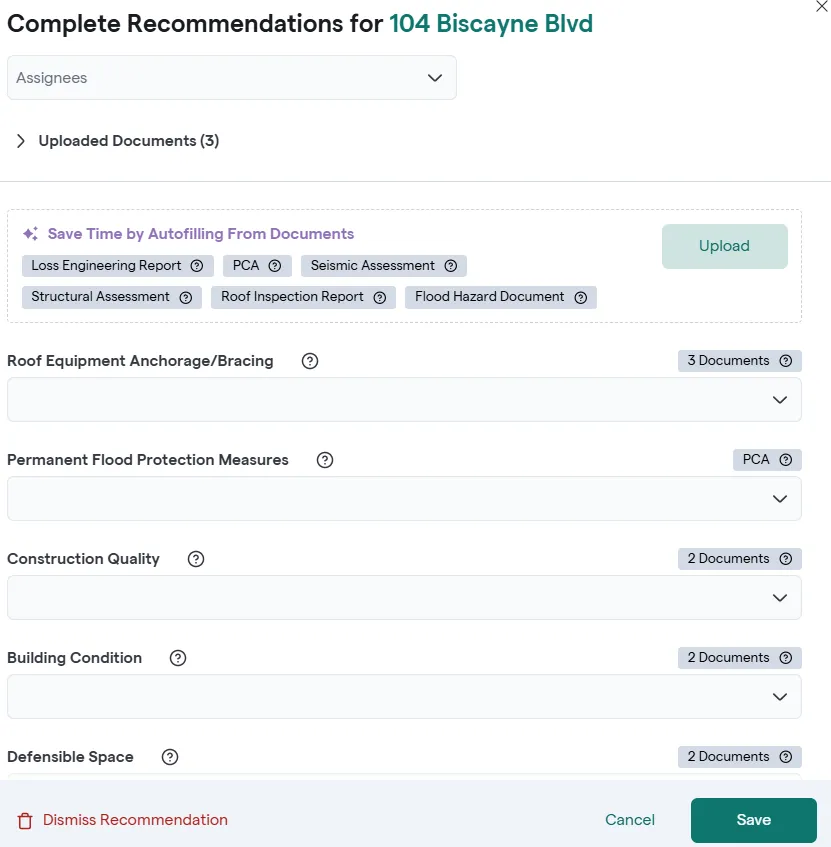
Assign to others:
From the Assign drop-down box, choose the person this recommendation will be assigned to. That user can then access their tasks and upload the recommended documents.