Edit or Upload Additional Documents to a Client Account
Last updated: July 9, 2026
To use the Client Accounts page, you must have a broker or carrier agreement with Archipelago.
Edit an account you've recently uploaded on your Client Accounts page to add any additional documents.
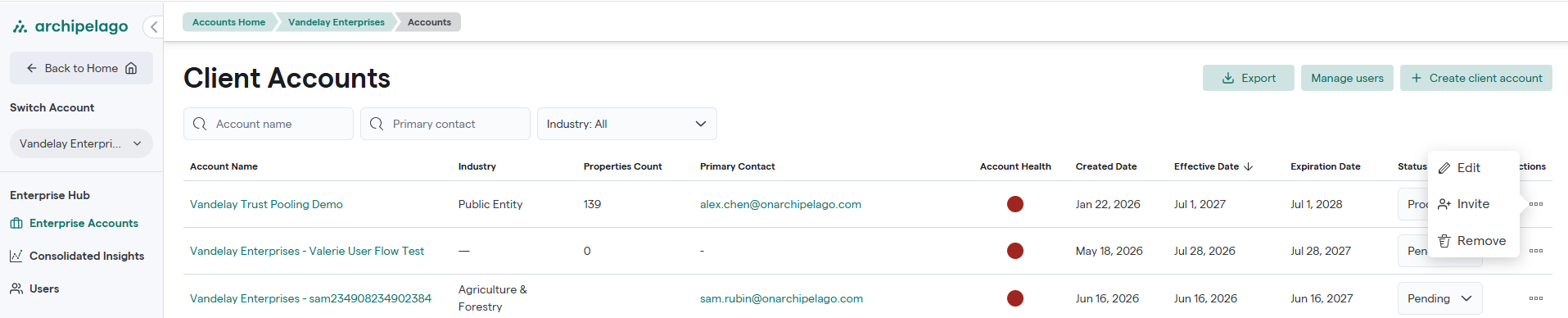
1. On Archipelago, click Enterprise Accounts.
2. Under Actions, click the edit pencil.
3. To change fields, click Edit
- The Edit Submission panel will open.
- Edit any fields you need to update.
4. To upload documents, click Upload
- Upload the files you want to add. You can upload loss information or any documents you want to use for data enrichment.
5. Click Save